











The Pigabet app gives Android users in Tanzania mobile access to their betting account, sports markets, live events, and casino content where available. Its touch-friendly layout is designed for smartphones and tablets, making it easier to check selections, follow matches, and manage account activity while away from a computer.
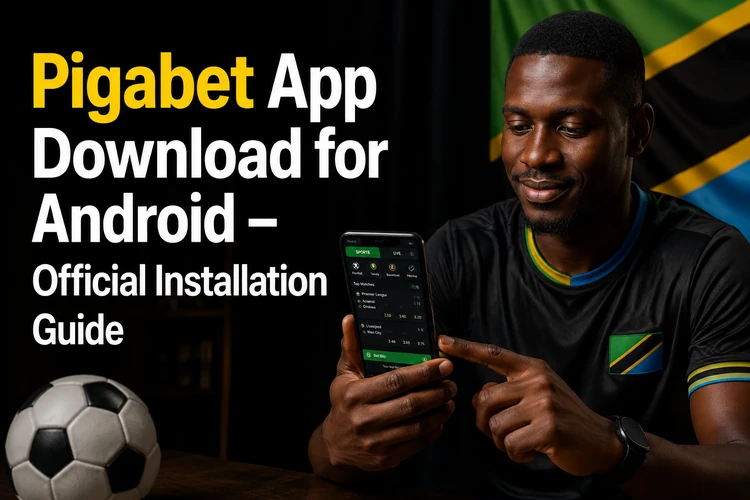
This guide explains how to obtain the Android APK from an official source, complete installation, check basic device readiness, and keep the application current. Existing customers can sign in after installation, while new users should read the on-screen account instructions carefully before providing personal details.
Pigabet App Overview
The mobile platform is intended for Android phones and tablets and uses the same account as the desktop site. Your balance, settled bets, and account settings should be available after you sign in. The home screen normally provides direct access to sports, current events, and other available sections.
Mobile performance depends on the device, network signal, and the number of open apps. Closing unused applications and using a stable connection can help pages and live odds load more smoothly. Notifications can be useful for account alerts or settled bets, but they can usually be adjusted in Android settings if you prefer fewer interruptions.
How to Download Pigabet App
Download the APK only from the official platform or a verified link provided there. An APK is an Android installation file. It is used when an application is installed outside the Google Play store, so the source of the file matters as much as the installation process itself.
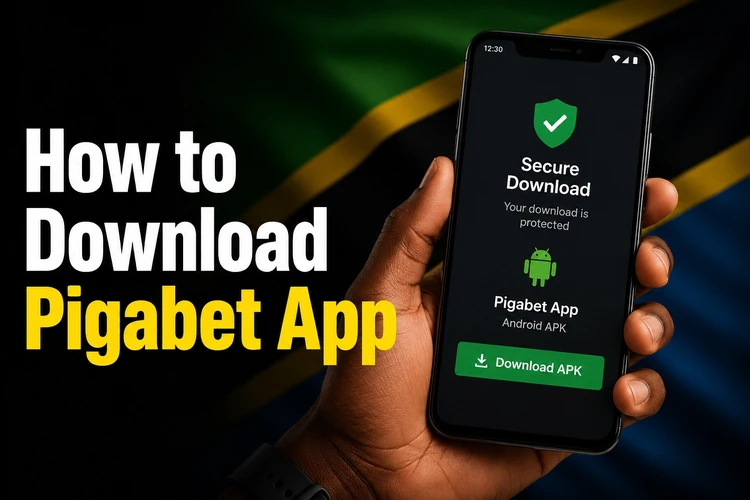
Before downloading, check that the phone has enough free storage and a reliable internet connection. Wi-Fi may reduce mobile-data use, while a strong mobile-data connection can also work. If a download stops, confirm that the device has space available, then retry from the official source rather than using a file sent through a third party.
How to Install Pigabet APK
After the file has downloaded, open the Downloads folder or your file manager and select the APK. Android may ask for permission to install applications from that source. This setting is normally controlled per browser or file manager, and it can be turned off again after installation if you do not need it.
The installation process works as follows:
- Step 1: Download the APK and wait for the completion notification.
- Step 2: Open the Downloads folder in your file manager.
- Step 3: Select the downloaded APK file.
- Step 4: Allow installation from that source if Android requests permission.
- Step 5: Tap Install and wait for the process to finish.
- Step 6: Open the application and sign in or create an account.
If you already have an account, use the secure login page when you need help accessing it. Do not share verification codes, passwords, or device access with anyone. If installation is blocked, read the Android message first; it often identifies whether storage, permissions, or file compatibility is the issue.
System Requirements
The application needs a compatible Android device, available storage, and an active internet connection for account access, live odds, and casino content. Exact requirements can change with a new version, so review the information shown on the official download page before installing.
Android may request permissions such as network access and notifications. Grant only the permissions needed for the app to work, and review them later in the phone's application settings. A stable connection is especially helpful during live betting, where markets and prices can change quickly.
Pigabet Mobile Features
The sportsbook interface can display pre-match and live betting markets for sports such as football, basketball, and tennis, depending on the current offering. The betslip keeps selected markets together so you can check the stake, odds, and possible return before confirming a bet.

Account tools may include transaction history, bet history, and notification controls. Review every bet before submitting it, particularly during live events, because prices can update between selection and confirmation. Match information can support your decision-making, but it does not guarantee an outcome.
Pigabet Casino
The mobile casino area may include slots, table games, and live dealer titles where they are currently offered. Categories and availability can change over time. A search or filter tool, when available, can help you find a game type without scrolling through the whole catalogue.
Live dealer games use video streaming and can consume more data than standard games. Use a reliable connection, keep an eye on your data allowance, and set a spending limit before playing. Casino games are for adults aged 18+ only.
Updating the Pigabet App
Updates can address technical issues, improve compatibility, and add changes to the mobile interface. When a new APK is available, download it from the same official source used for the original installation. Avoid installing files labelled as updates when they arrive through unverified messages or file-sharing sites.
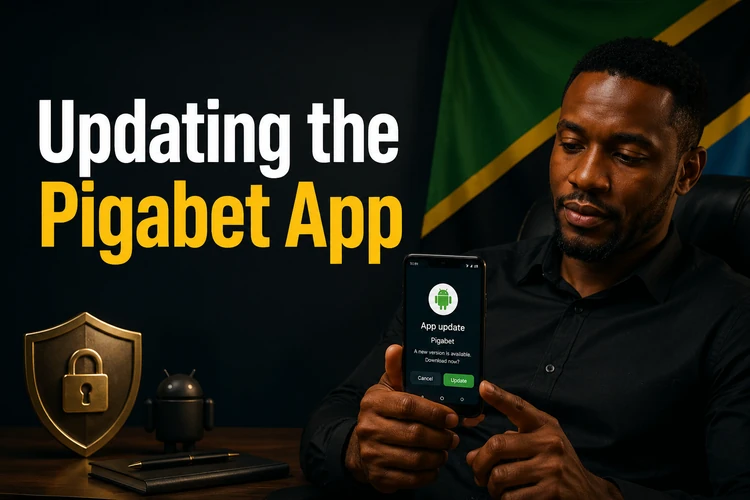
If an update does not install, check free storage, confirm that the file finished downloading, and restart the phone before trying again. Do not delete the existing application until you have checked whether the new version requires that step. Account information is best protected with a unique password and prompt action if you notice unfamiliar activity.
Safety Recommendations
Use official download channels and avoid modified APK files. Keep Android and the application updated, lock your phone with a PIN or biometric method where supported, and sign out on shared devices. Public Wi-Fi can be risky for account activity, so use a trusted connection whenever possible.
Set personal limits and take breaks if betting stops being enjoyable. More information about safer play is available in the site's responsible gambling guidance.
FAQ
Use the official platform to access the Android APK download. Once the file is saved, open it from your Downloads folder and follow the Android installation prompts.
The APK can be downloaded and installed without an application fee. Your mobile provider may still charge for data used during the download and while using online features.
The app requires a compatible Android device with sufficient storage. Check the current requirements on the official download page and confirm your Android version in the device settings if installation fails.
Only install an APK obtained from an official or verified source. Do not use modified files or downloads shared through unknown websites, messages, or social-media accounts.
Download the latest APK from the official source and follow the installation prompts. If the update fails, check storage space, confirm the download completed, and restart the device before trying again.
The application may be used on compatible Android tablets. Layout and performance can vary by device, screen size, Android version, and connection quality.